Button Colour Keys
The instructions below are there to guide you with address the system status depending on the button colours.
Colour Pallet
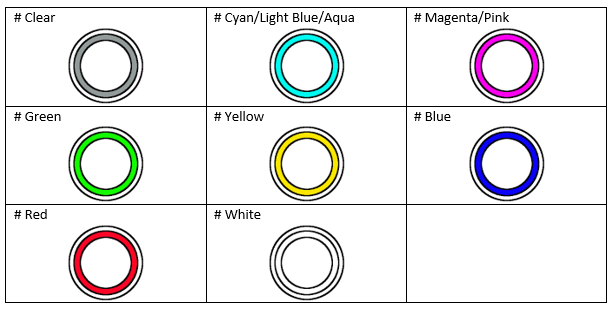
System colour indication
| Colour indecation | Description |
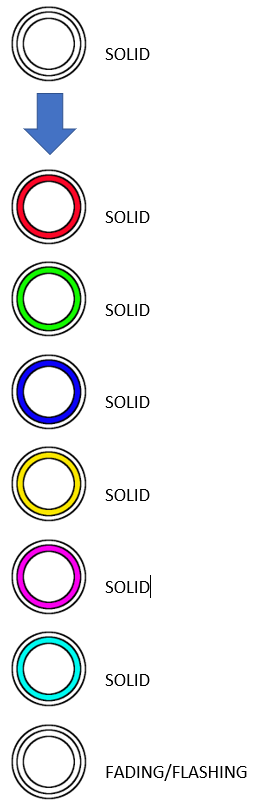 |
Power up (Connect the system to your power outlet and turn on and the following colors will flash on the DU Button) |
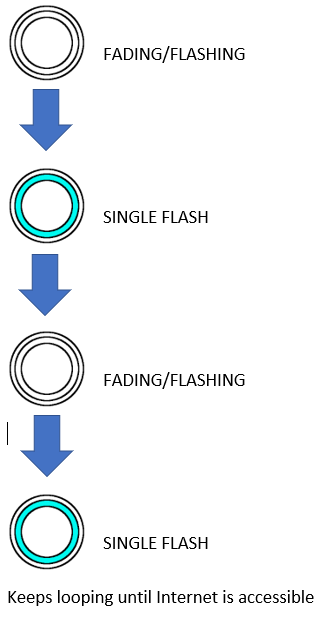 |
NO Internet (The following colored lights will flash on the DU) |
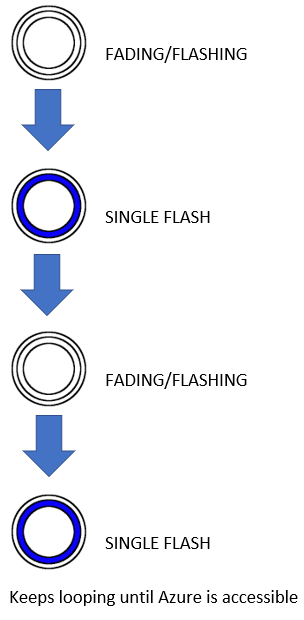 |
Got Internet, NO Azure Connection |
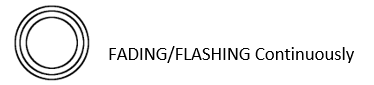 |
In Fast Serve Mode These Colors Will Flash |
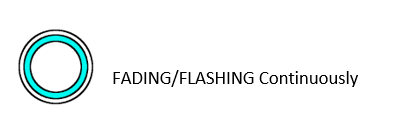 |
In Self-Serve Mode These Colors Will Flash |
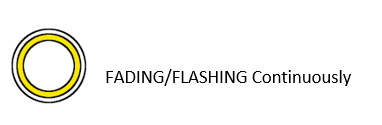 |
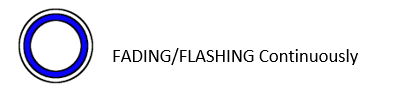
In Calibration Mode These Colors Will Flash (See calibration instructions for more details) |
 |
In Flush Mode These Colors Will Flash (See flushing instructions for more details) |
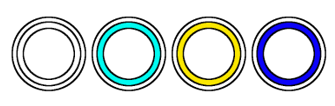 |
These Colors (White, Cyan, Yellow and Blue) can be displayed with the No Internet or Got Internet No Azure Connection above, just substitute the White for the Mode Color. |
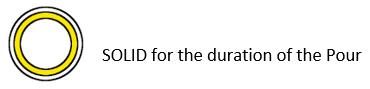 |
This indicated that a pour is taking place. The button will stay solid for the duration on the pour. |
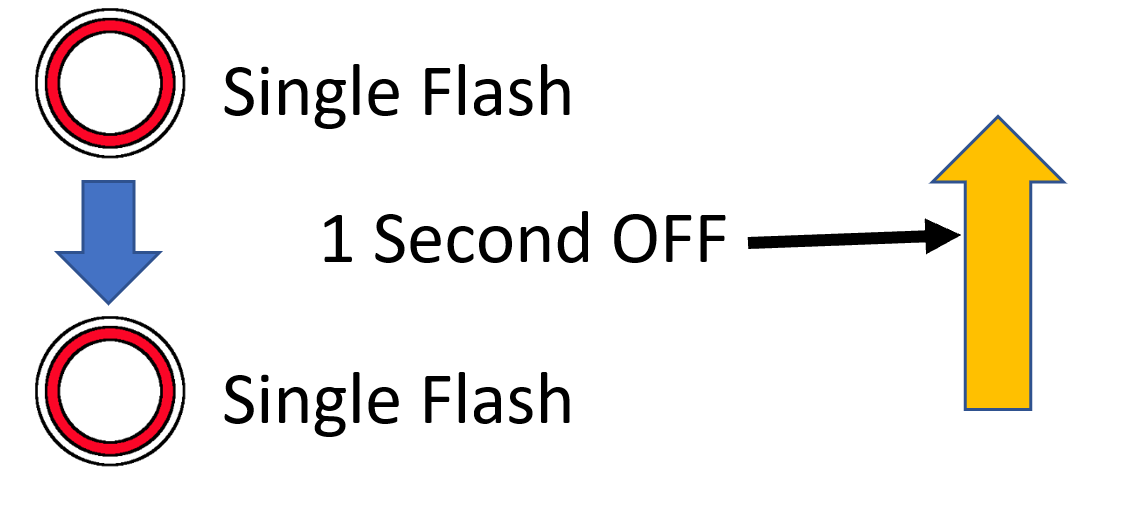 |
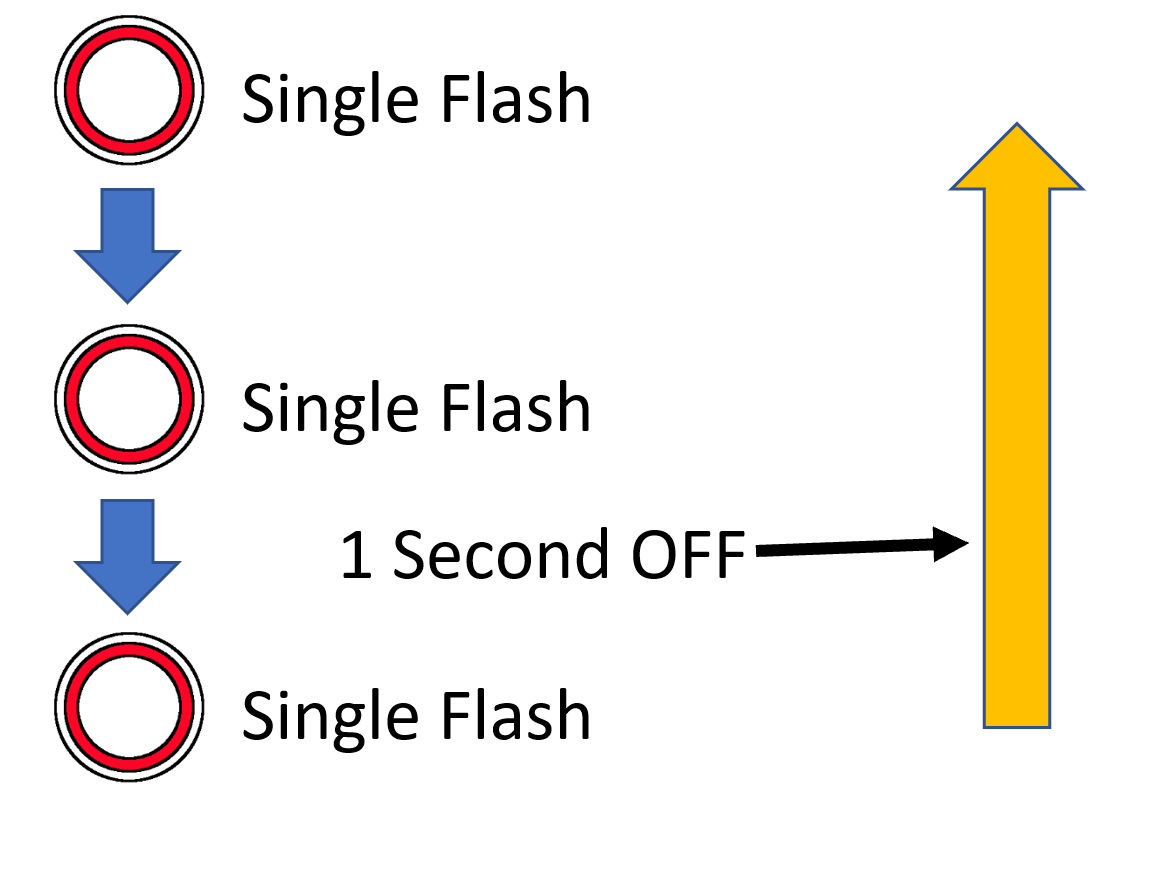
No Flow is where the pour button has been activated and there has been no beverage movement in the line for the first 3 seconds, the electronics is looking for a minimum of 50ml to pass through the Flow meter in 3 seconds. Possible reasons why there is no flow include:
|
 |
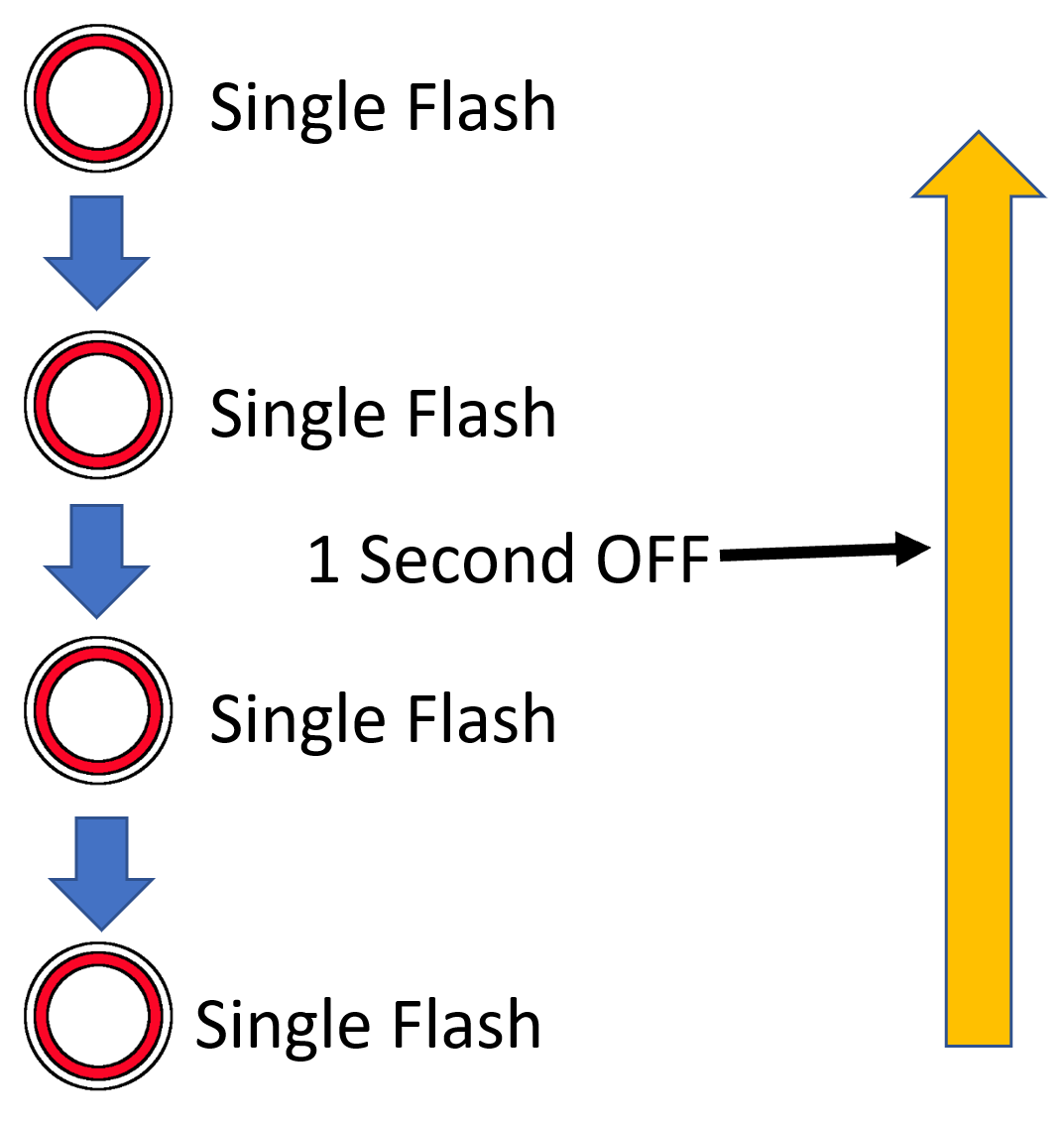
Restricted Flow is where the pour button has been activated and there has been minimal beverage movement in the line for the first 3 seconds, the electronics has detected the minimum of 50ml pass through the Flow meter in 3 seconds. Possible reasons why there is restricted flow include:
|
 |
Slow Flow is where the pour button has been activated and there has been beverage movement in the line for the first 30 seconds, but the pour has not ended. Possible reasons may include:
|