2. Dashboard Summary
The dashboard summary is a summary of all devices and their respective transactions. This summary report can be adjusted by Date Range and display types. The information is based off the data captured against the device and related transactions.
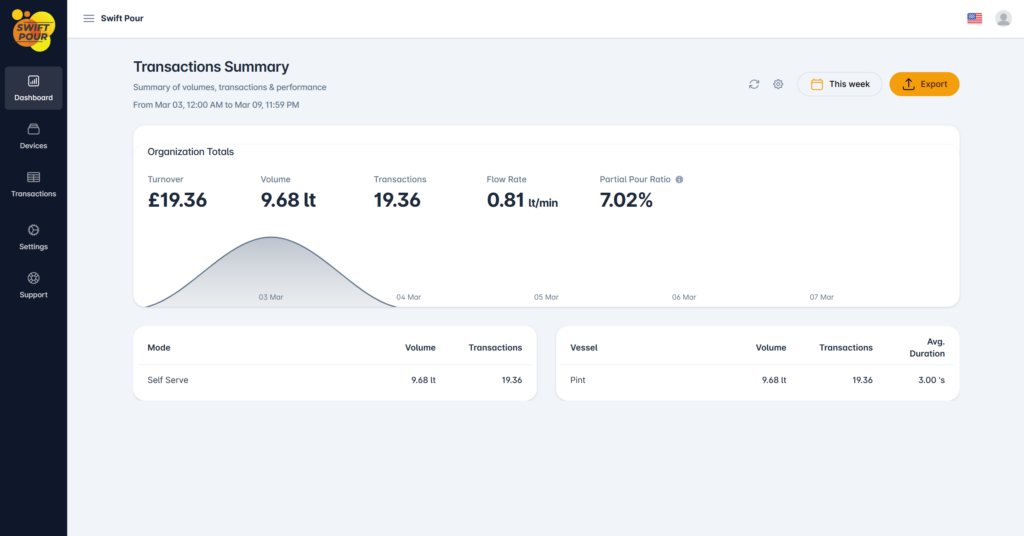
Please ensure that all information is captured against the device prior to operation, as the report will not be updated retroactively and this could lead to incorrect information being displayed.
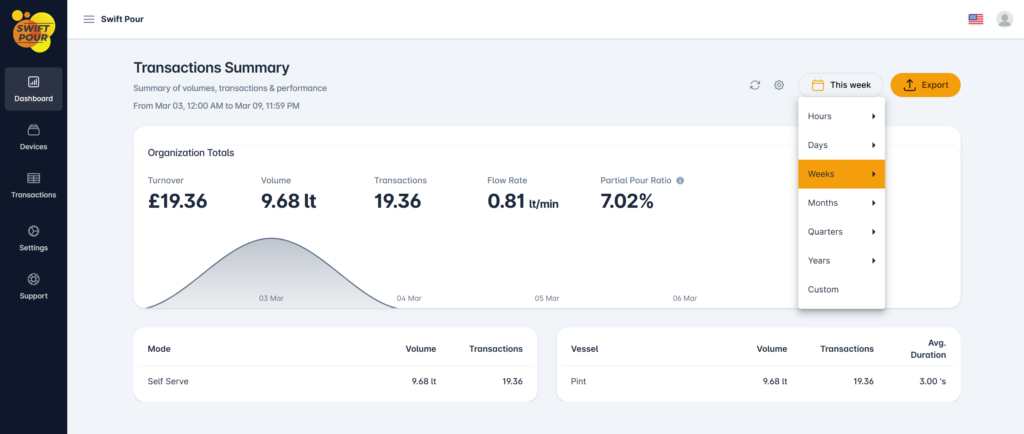
Date Range
By selecting the “This Week” button next to the export button, you are presented with a Date Range Picker, there are several default ranges to choose from along with a custom option to choose a specific date range.
Settings
When selecting the settings cog, next to the Date Range picker, you a presented with some options to default your report view. You are able to confirm Measurement Type, Volume Units and you can toggle the Turnover values on/off.
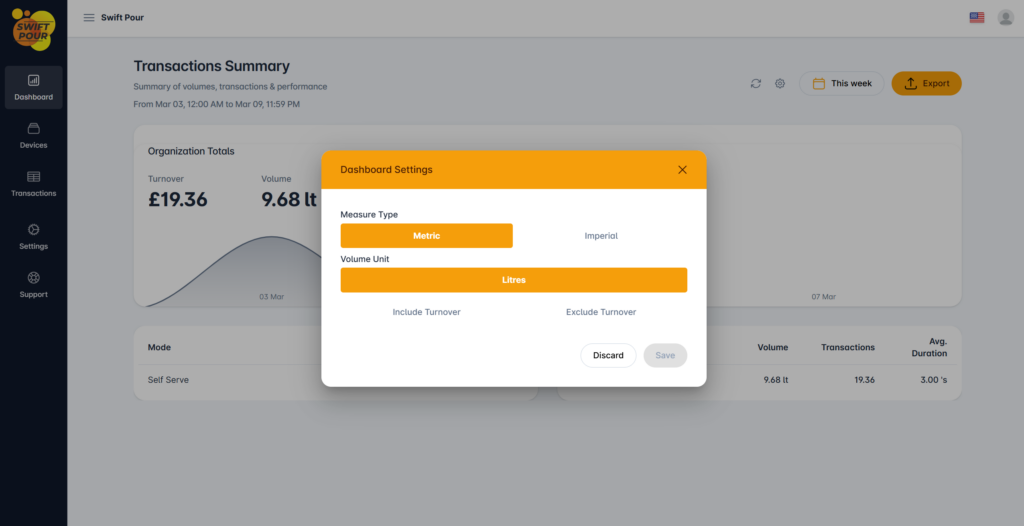
Include/Exclude Turnover, turnover is based off the pricing captured against a device, if no pricing was captured, you are able to exclude the turnover from your reports.
Please note that these settings are saved against your profile on the device accessing this data. Once saved, all future data will be rendered with these settings.
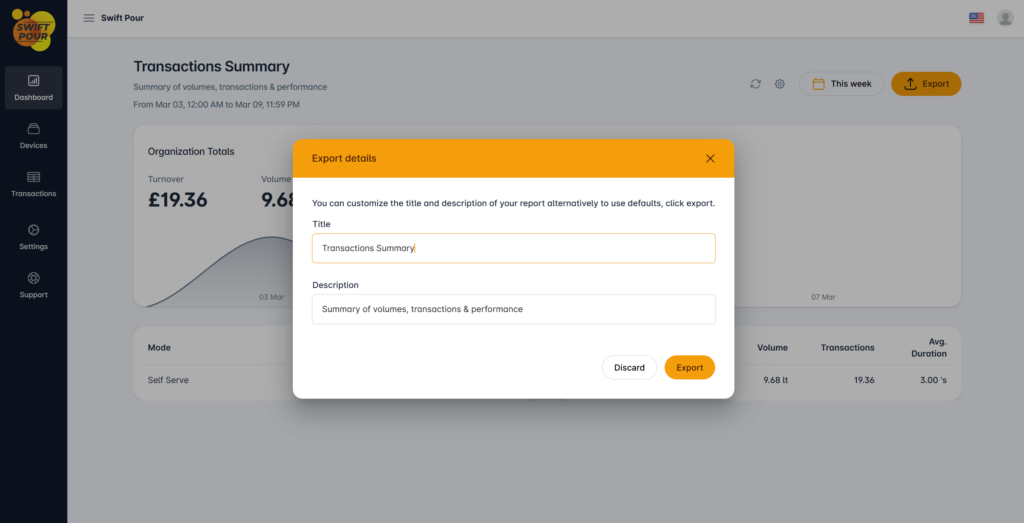
Export
You are able to export the underlying data and generate a PDF of the data, excluding the displayed chart. When clicking export you are presented with some inputs to customize the Heading & Description, should you wish, this is configured per an export. Once complete the report will be downloaded to your device.